

CRM for Small Business: How to Choose and Set It Up
A CRM keeps every lead, customer and follow-up in one place. Learn how to choose one, set it up properly and get your team to actually use it.
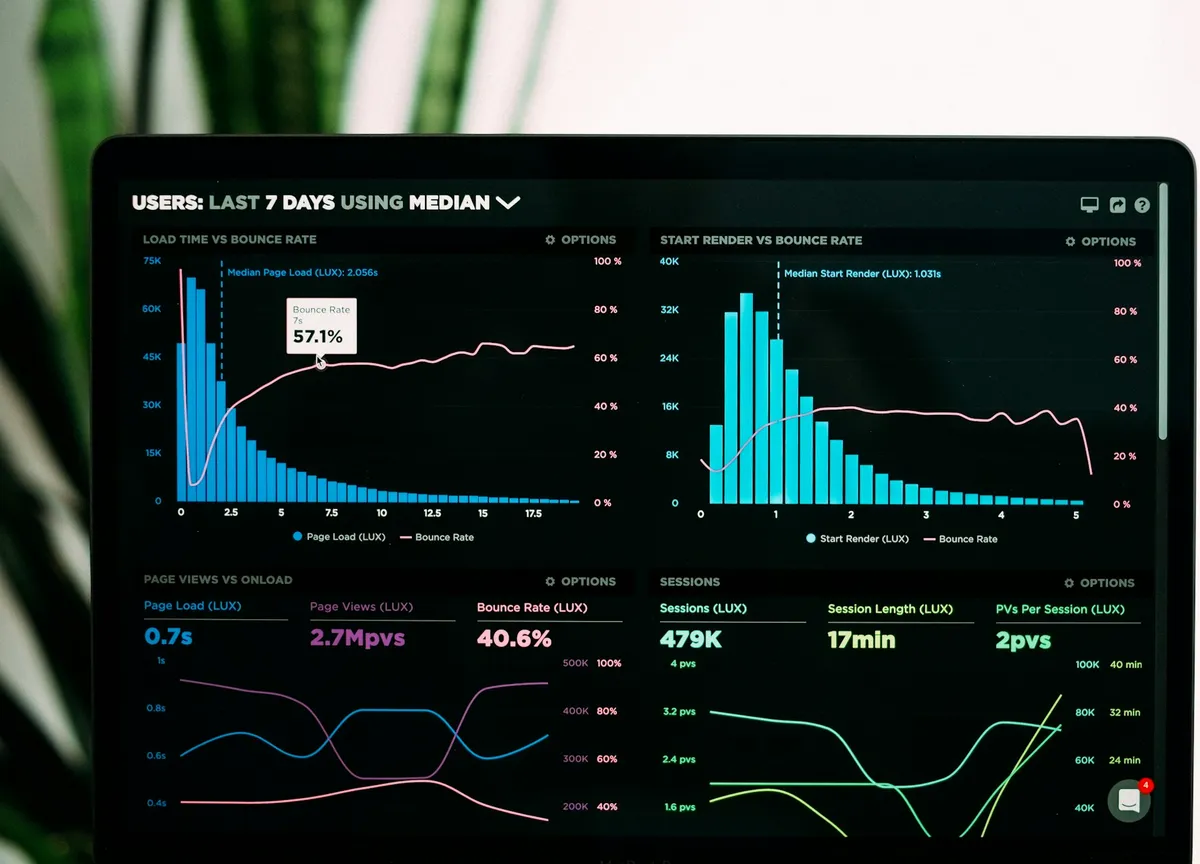
If your leads live in e-mail, WhatsApp, a spreadsheet and somebody's memory, deals are being lost without anyone noticing. A CRM puts everything in one shared place.
What a CRM does
- Stores contacts and companies with their full history.
- Tracks deals through stages, from new enquiry to won or lost.
- Reminds people about follow-ups and tasks.
- Shows reports: where leads come from, how long deals take and what converts.
Before you choose: write your process
Describe how a lead becomes a customer in your business: where it arrives, who handles it, what the steps are and what information you need. The CRM should fit the process, not the other way round.
What to look for
- Ease of use. If it is hard, people will go back to the spreadsheet.
- Pipeline you can adapt to your own stages.
- Integration with e-mail, website forms, calendar and accounting.
- Mobile access for people who are out of the office.
- Reports that answer your real questions.
- Sensible price as your team grows.
Setting it up well
- Start with a clean list of contacts; remove duplicates.
- Create only the fields you will use.
- Define the pipeline stages and what moves a deal to the next one.
- Connect your website forms so every enquiry arrives automatically.
- Set up a few templates for common e-mails.
Getting people to use it
Agree one rule: "If it is not in the CRM, it did not happen." Train the team in a short session, review the pipeline together weekly and remove any step that feels like paperwork.
Common mistakes
- Buying a tool with too many features.
- Not assigning an owner for the system.
- Letting data become messy because nobody checks it.
Need a hand?
We3vision implements and customises CRM systems and connects them to your website and tools. Tell us how you sell and we will suggest a set-up that your team will enjoy using.
Frequently asked questions
What is a CRM?
Customer relationship management software: a shared place to store contacts, conversations, deals and tasks.
When does a business need a CRM?
When leads or customers are tracked in several spreadsheets, inboxes or heads, and follow-ups start to slip.
How do I get my team to use it?
Keep it simple, make it the single place for sales information and show people how it saves them time.