

Design Systems: Why Growing Businesses Need One
A design system keeps your brand and products consistent as you grow. Learn what it contains, who benefits and how to start without a huge project.
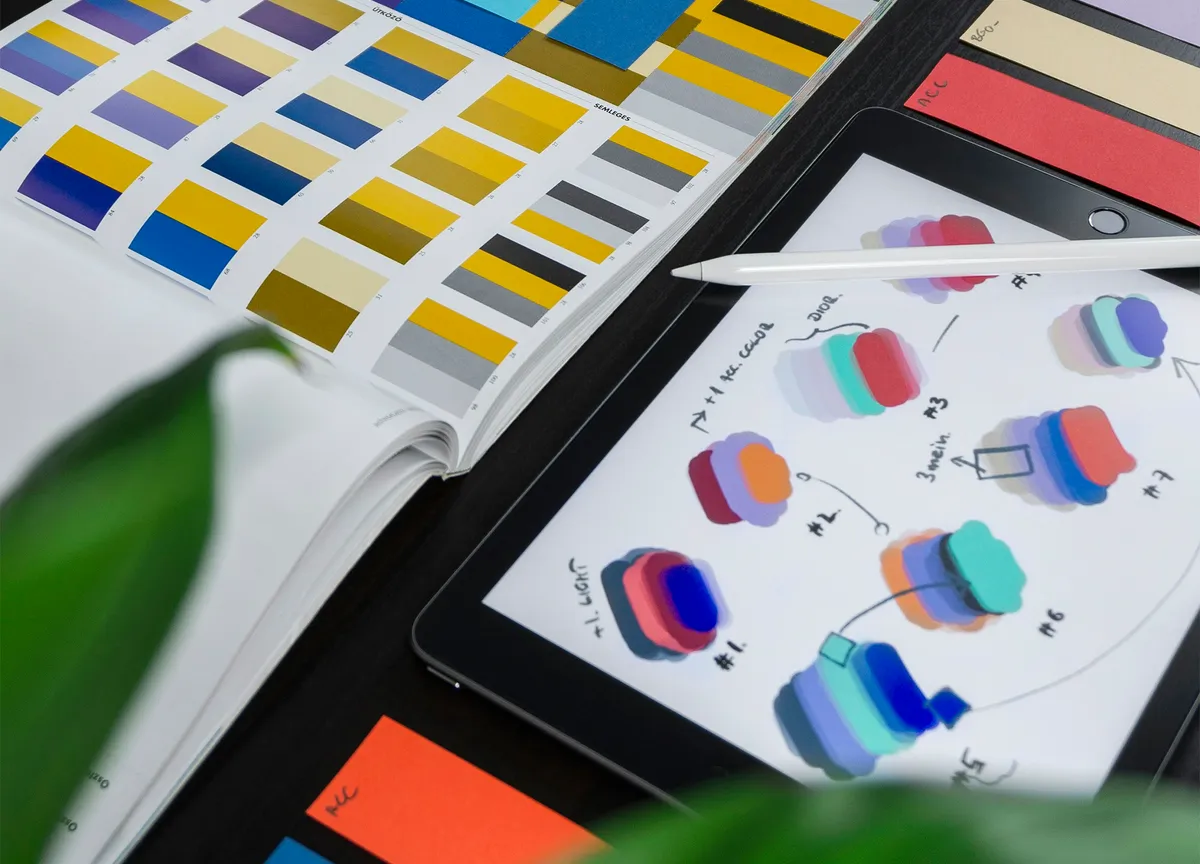
When a business grows, its website, app and marketing materials start to look slightly different from each other. Buttons change shape, colours drift and every new page takes longer. A design system solves this.
What is a design system?
It is a shared set of building blocks and rules: colours, typography, spacing, icons and ready-made components such as buttons, forms and cards, together with guidance on how to use them.
What it contains
- Foundations: colour palette, type scale, grid and spacing.
- Components: buttons, inputs, menus, modals, tables and cards, with their states.
- Patterns: how things such as sign-up, search or checkout are built.
- Guidelines: tone of voice, accessibility rules and do's and don'ts.
Why it pays off
- Consistency: your product feels like one thing everywhere.
- Speed: designers and developers reuse parts instead of redrawing and rebuilding.
- Quality: components are tested once and used many times.
- Easier onboarding: new team members know how things work.
- Easier change: update a colour or style in one place.
When you need one
Signs include several people designing, more than one product or site, lots of "almost the same" screens and slow updates because every change touches many pages.
How to start small
- Audit what exists and collect the buttons, colours and text styles in use.
- Reduce them to a consistent set.
- Build the most-used components first.
- Document how to use them in a single shared place.
Keep it alive
A design system is a product. Review it regularly, remove what is unused and let teams suggest improvements.
Work with us
We3vision creates design systems for websites and apps, from the visual foundations to coded components. If your screens have started to drift apart, we can help you pull them back together.
Frequently asked questions
Is a design system only for big companies?
No. Even a small set of colours, text styles and buttons used consistently counts as a start.
How big should it be at the start?
Begin with what you already use: colours, typography, spacing, buttons, forms and cards. Add more when a need appears.
Who maintains it?
Someone should own it: often a designer and a developer together, with a simple way to propose changes.