

Wireframe, Prototype or Mockup: What Is the Difference?
Wireframes, mockups and prototypes are not the same thing. See what each one is for, when to use it and how they fit together in a design project.
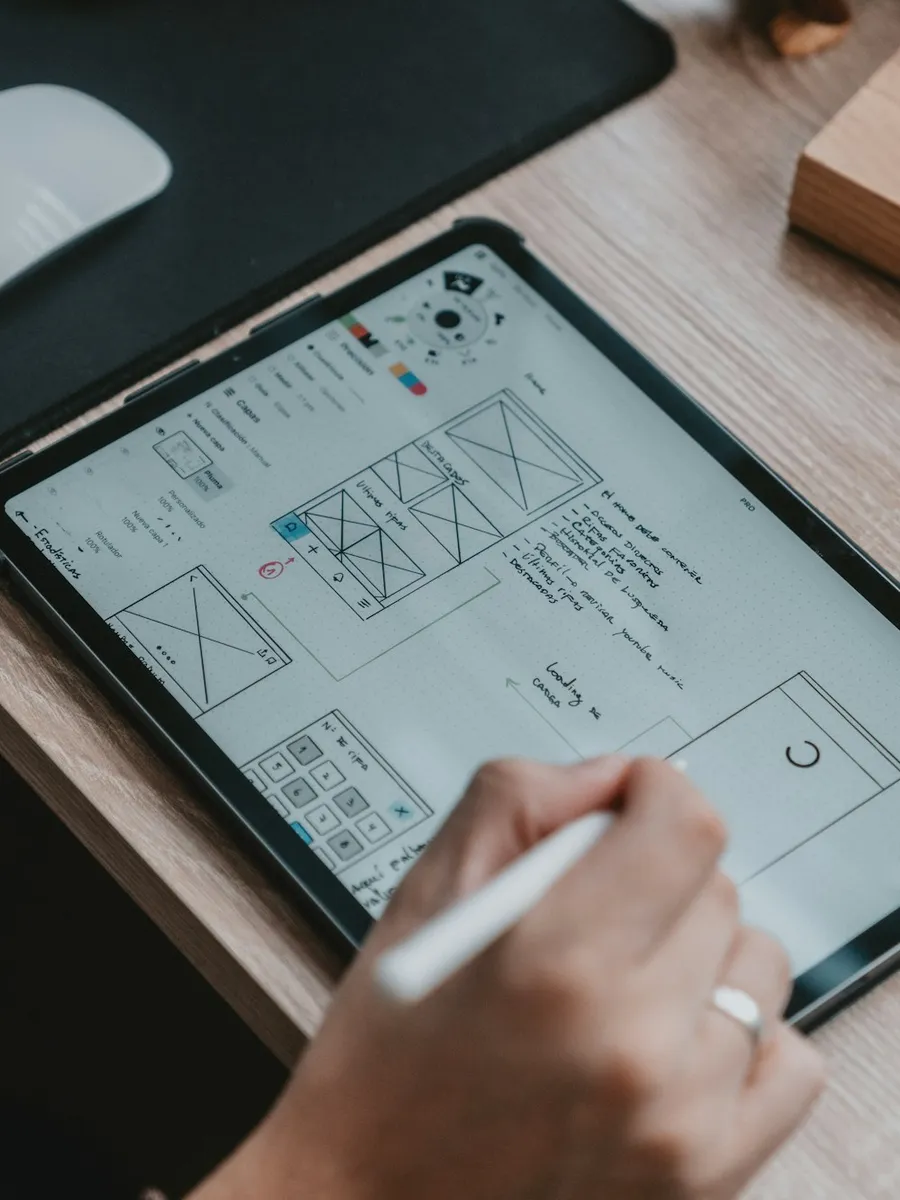
Designers use three words that clients often mix up: wireframe, mockup and prototype. They are different steps, each answering a different question.
Wireframe: how will it be organised?
A wireframe is a simple, mostly black-and-white layout of a page. It shows where things go: the headline, the images, the buttons and the menu. It has no colours or final text on purpose, so you can discuss structure and priorities without being distracted by looks.
Use it to decide what the page needs and in what order.
Mockup: how will it look?
A mockup is a static, detailed picture of the final design: real colours, fonts, images and spacing. It answers questions about brand, mood and visual quality.
Use it to approve the look and feel before any code is written.
Prototype: how will it work?
A prototype is interactive. You can click through screens, open menus and complete a flow, even though nothing is connected behind it. It answers questions about usability.
Use it to test with real people and to catch confusing steps while changes are cheap.
How they fit together
- Start with wireframes for the structure.
- Move to mockups for the visual design.
- Build a prototype to test the experience.
- Hand the approved design to development.
Why not skip straight to building?
Changing a sketch costs minutes, changing a built page costs hours or days. These steps save money by finding problems early.
How to give good feedback
- At wireframe stage, comment on content and order, not colours.
- At mockup stage, comment on look and brand.
- At prototype stage, try the task and say where you hesitated.
Plan your project with us
We3vision follows this path in UI/UX projects so you see and approve each step. Share your idea and we will map the stages for your website or app.
Frequently asked questions
Do I need all three for every project?
Not always. A small site may go from wireframes straight to design; a complex product benefits from all three stages.
Which one shows how it will really feel?
A prototype. It is clickable, so you can try the flow before it is built.
Who should review them?
The decision makers, plus a few real users for the prototype stage.