

How Big 3D Cities Render Fast: Culling and Draw Calls
How a game draws a whole city at 60 frames a second: frustum and occlusion culling, batching, GPU instancing, LODs and a frame-time budget.
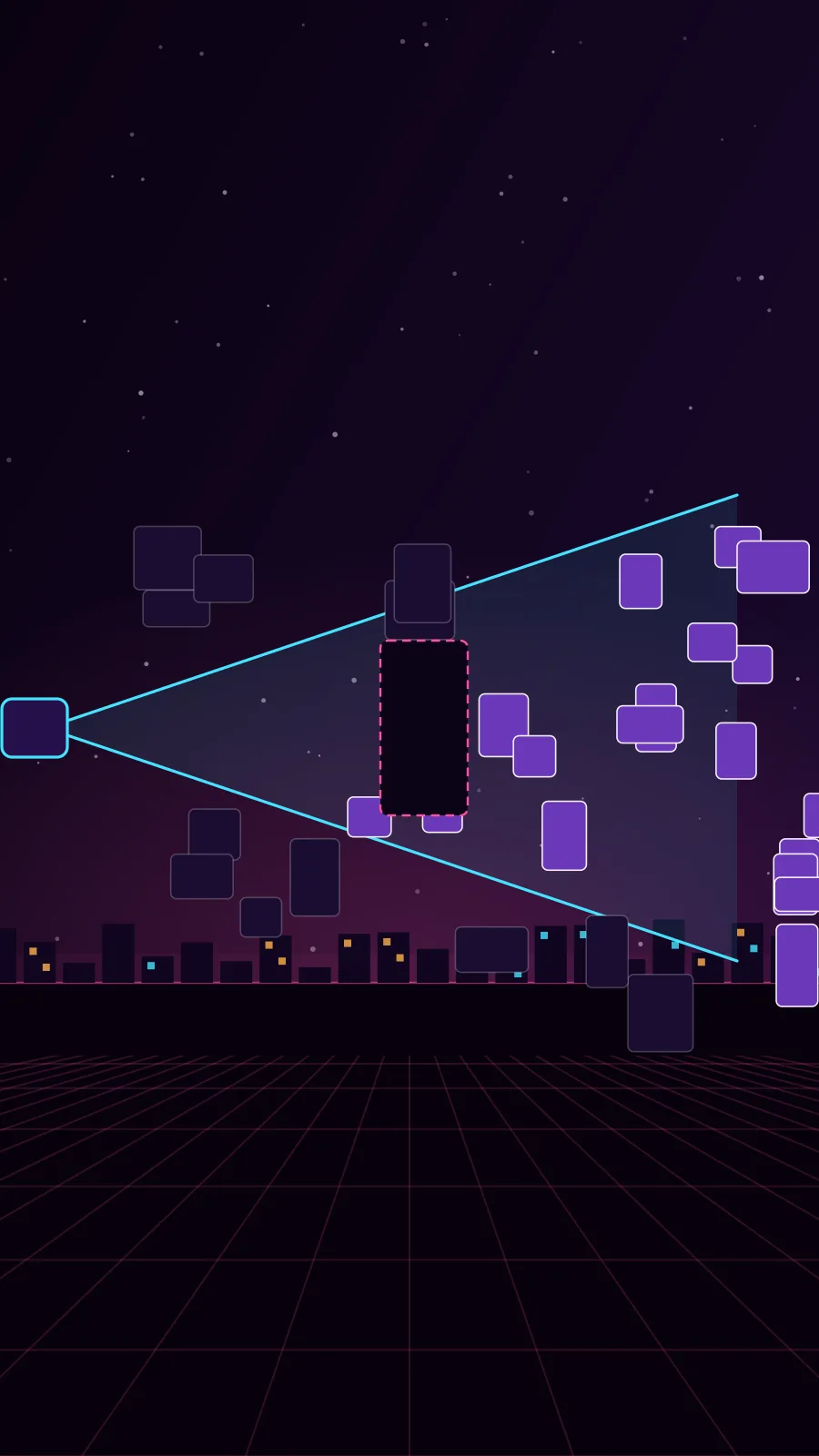
A smooth game draws a new picture 60 times a second, which leaves about 16.6 milliseconds for everything: input, physics, AI and rendering. A city has far more objects than the computer can draw in that time. The trick is not to draw most of them. Rendering a big city is mainly the art of doing less work and doing it in big batches.
Know your budget
At 60 frames a second a frame may take 16.6 milliseconds, at 30 frames a second 33.3 milliseconds. Both the CPU (which prepares the commands) and the GPU (which draws the pixels) must finish within that time. The first step in optimisation is to find out which one is the limit. Profilers show this: the Unity Profiler and Frame Debugger, Unreal Insights, and the free RenderDoc for graphics captures.
Culling: do not draw what cannot be seen
- Frustum culling skips objects outside the camera's view
- Occlusion culling skips objects that are hidden behind others, such as a building behind a larger building
- Distance culling skips small objects that are far away
- Backface culling skips triangles that face away from the camera
Draw calls and batching
Each time the CPU tells the GPU to draw an object, it makes a draw call. Thousands of draw calls slow the CPU, even if the objects are simple. The remedy is to draw many objects with one call. Static batching merges objects that do not move, and GPU instancing draws many copies of one model, such as street lamps, trees or pedestrians, in one call. Shared materials and texture atlases make instancing possible.
Level of detail and impostors
Far objects use simple models, as explained in how open-world maps work. The farthest buildings can be replaced by flat pictures, which cost almost nothing to draw.
Pixels cost too
- Overdraw: drawing the same pixel many times, for example with transparent leaves or particles, wastes GPU time
- Expensive shaders: complex materials and many dynamic lights multiply the cost per pixel
- Shadows: they render the scene again from the light, so they are limited by distance and quality settings
- Resolution scaling and upscaling can lower the cost on weaker devices
Test on the weakest device
A game that is smooth on a developer's powerful computer can stutter on a phone or a laptop. Set a minimum device, measure on it often, and keep a performance budget for each scene. Lighting has a large effect on both look and cost, which is covered in day-night cycles, lighting and weather. The full overview is in how online open-world games are made.
Frequently asked questions
What is a draw call?
A draw call is a command from the CPU to the graphics card to draw an object. Too many draw calls slow down the CPU, so games combine objects through batching and instancing.
What is occlusion culling?
Occlusion culling is a technique that skips drawing objects hidden behind other objects. In a city, many buildings are blocked from view by closer ones, so skipping them saves a lot of time.
How many frames per second should a game run at?
Many games aim for 30 or 60 frames per second. At 60 frames per second each frame must be finished in about 16.6 milliseconds.