

How City Traffic and Crowds Work in 3D Games
How a 3D city feels alive: cars follow lane paths, pedestrians use sidewalks and crowd rules, and only the people near you are fully simulated.
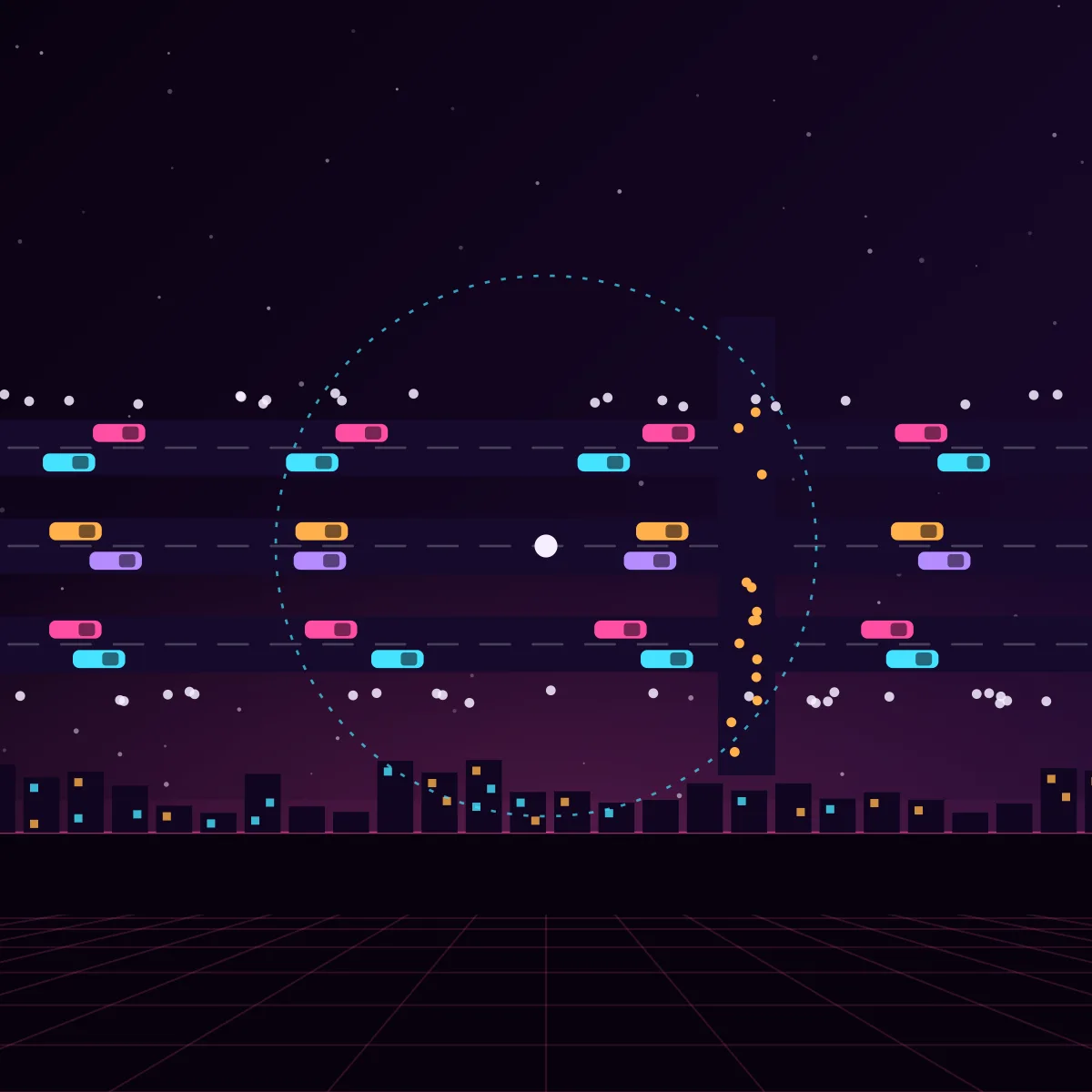
The people and cars in a city game are not real simulations of a whole city. They are a clever trick. Only the area around the player is filled with traffic and pedestrians, they follow simple rules on prepared paths, and they are created and removed out of sight. The result feels like a busy city while costing very little processing time.
Traffic follows a road graph
Designers draw lanes as lines or splines on the map. Together they form a road graph: points where lanes start, end, split and join. A car picks a route on this graph and drives along the lane. To avoid hitting the car in front, it uses a simple following rule: keep a safe distance and slow down when the gap gets small.
- Intersections have rules: traffic lights, stop signs or priority
- Each lane stores its speed limit and which lanes it connects to
- Cars can change lane when the next lane is free
- Traffic reacts to the player: it brakes, honks or drives around a blocked road
Pedestrians use sidewalks and navigation meshes
Pedestrians walk on a navigation mesh that covers sidewalks and crossings, and they use the pathfinding methods described in this series. To keep a crowd from walking through each other, each person steers away from nearby people with a small avoidance rule, a method often called local avoidance or boids-style steering. A person also has a state, such as walking, waiting at a crossing, talking or running away when something dangerous happens.
Spawning around the player
The game keeps a ring around the player. Inside it, cars and pedestrians are created on the road or sidewalk just outside what the camera can see, and they are removed again when they fall far behind. The ring changes with the situation: a dense city centre gets more people than a quiet road. This keeps the number of active characters small and steady.
Simulation levels of detail
- Close to the player: full animation, full AI and physics
- Medium distance: simpler animation and less frequent thinking
- Far away: no physics, cars slide along their lane and people use a cheap animation
- Many people can be drawn together with GPU instancing, a method that draws many copies of one model in one call
Making it feel natural
Variety hides the trick. Several models and clothes, different walking speeds, random routes, small idle actions and reactions to the player make the crowd look alive. A traffic jam or a street with parked cars adds more life than a perfect, empty road. Drawing a large number of people quickly is part of the topic how big 3D cities render fast. The whole picture is in how online open-world games are made.
Frequently asked questions
How do games make a city full of cars and people?
They only simulate the area around the player. Cars follow lane paths and pedestrians follow sidewalks and navigation meshes, characters are created just out of sight and removed when far away, and distant characters use much simpler behaviour.
How do game cars avoid crashing into each other?
They follow a road graph and use a following rule that keeps a safe distance from the car in front. At intersections, traffic lights or priority rules decide who goes first.
Can the traffic react to the player?
Yes. Traffic can brake, steer around the player or flee from danger. These reactions are added as extra states on top of the normal lane-following behaviour.