

Minimaps, Waypoints and HUDs: Game UI Explained
How the screens on top of a 3D game work: minimaps drawn from a top-down camera, waypoints from world-to-screen maths, GPS routes, menus and scaling.
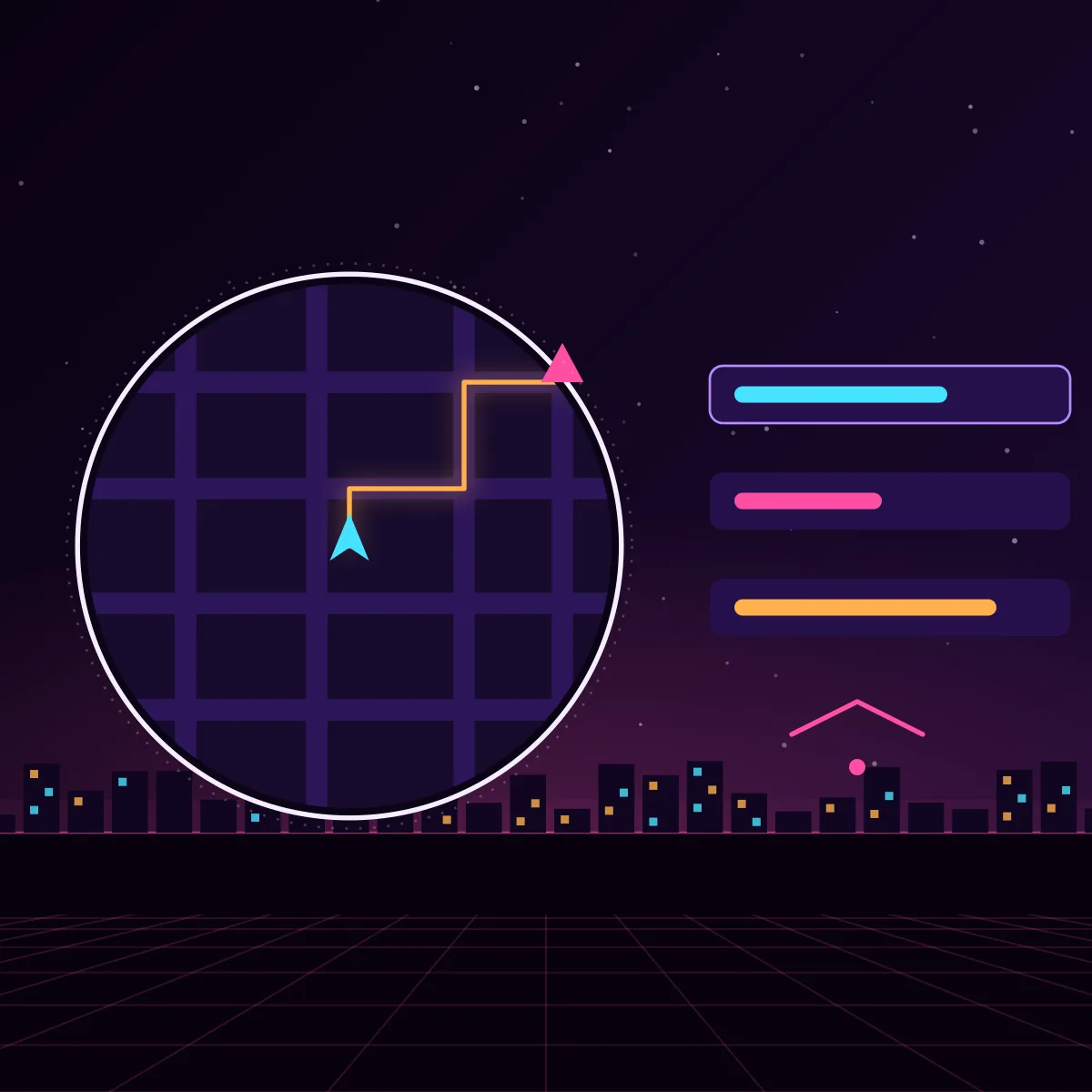
In a big open world, players need help to know where they are and where to go. The user interface on top of the 3D picture, called the HUD (heads-up display), shows the map, markers, health, objectives and menus. It looks simple, but it connects to almost every system of the game.
How a minimap is made
There are two common ways. The first is to put a second camera high above the player, looking straight down, and draw what it sees into a small texture shown in a circle or square on the screen. The second is to prepare a flat map image in advance, cut it into tiles and show the part around the player. A prepared image looks cleaner and costs less, while a live camera shows moving things and changes automatically.
- Icons for the player, vehicles, shops and objectives are drawn on top of the map
- The map can rotate with the player or stay fixed with north up
- Zoom and fog of war reveal the map as the player explores
- A big pause-menu map uses the same data at a larger scale
Waypoints and markers in the 3D world
A marker that floats over a target in the world needs the position of that 3D point on the 2D screen. The engine converts a world position to a screen position with the camera's projection. If the target is outside the screen, the game puts an arrow on the edge pointing towards it. The marker usually shows the distance and gets smaller or fades when far away.
GPS routes
The coloured route line on the map is the result of pathfinding on the road network. The game finds the shortest road route from the player to the target, then draws it on the map and sometimes on the road itself. The route is recalculated when the player takes a wrong turn.
Menus, wheels and screens
- Menus have to work with a mouse, a gamepad and touch
- Radial wheels let the player choose quickly, for example weapons or radio stations
- Elements stay inside safe areas so that no TV or phone cuts them
- Text is made large enough to read from a sofa or on a small phone
- Translations need space, because words are longer in some languages
Tools and performance
Unity offers UI Toolkit and the older uGUI system, and Unreal Engine has UMG. All of them draw UI as a layer over the game. UI can be slow if it is rebuilt every frame, so developers update only what changes, and group elements so the graphics card draws them together (rendering a big city fast).
Good HUD design
A good HUD shows what is needed at that moment, and hides the rest. Colour, size and motion tell the player what is important. Accessibility options, such as colour-blind modes and larger text, make the game open to more people. Missions use the HUD to explain their goals (missions and quests). The overview is in how online open-world games are made.
Frequently asked questions
How do games draw a minimap?
Either a second camera looks down on the world and draws into a small texture, or a prepared map image is shown and moved as the player moves. Icons are drawn on top.
How do waypoint markers work in 3D games?
The game converts the 3D position of the target into a 2D screen position using the camera. If the target is off screen, an arrow at the screen edge points towards it.
How does a game calculate a GPS route?
It runs a pathfinding algorithm, usually A*, on the road network from the player to the target, then draws the resulting path on the map.